
Home Case studies KYLA Gallery & Wine Bar
Case study · Bangkok
One connected system for KYLA Gallery & Wine Bar
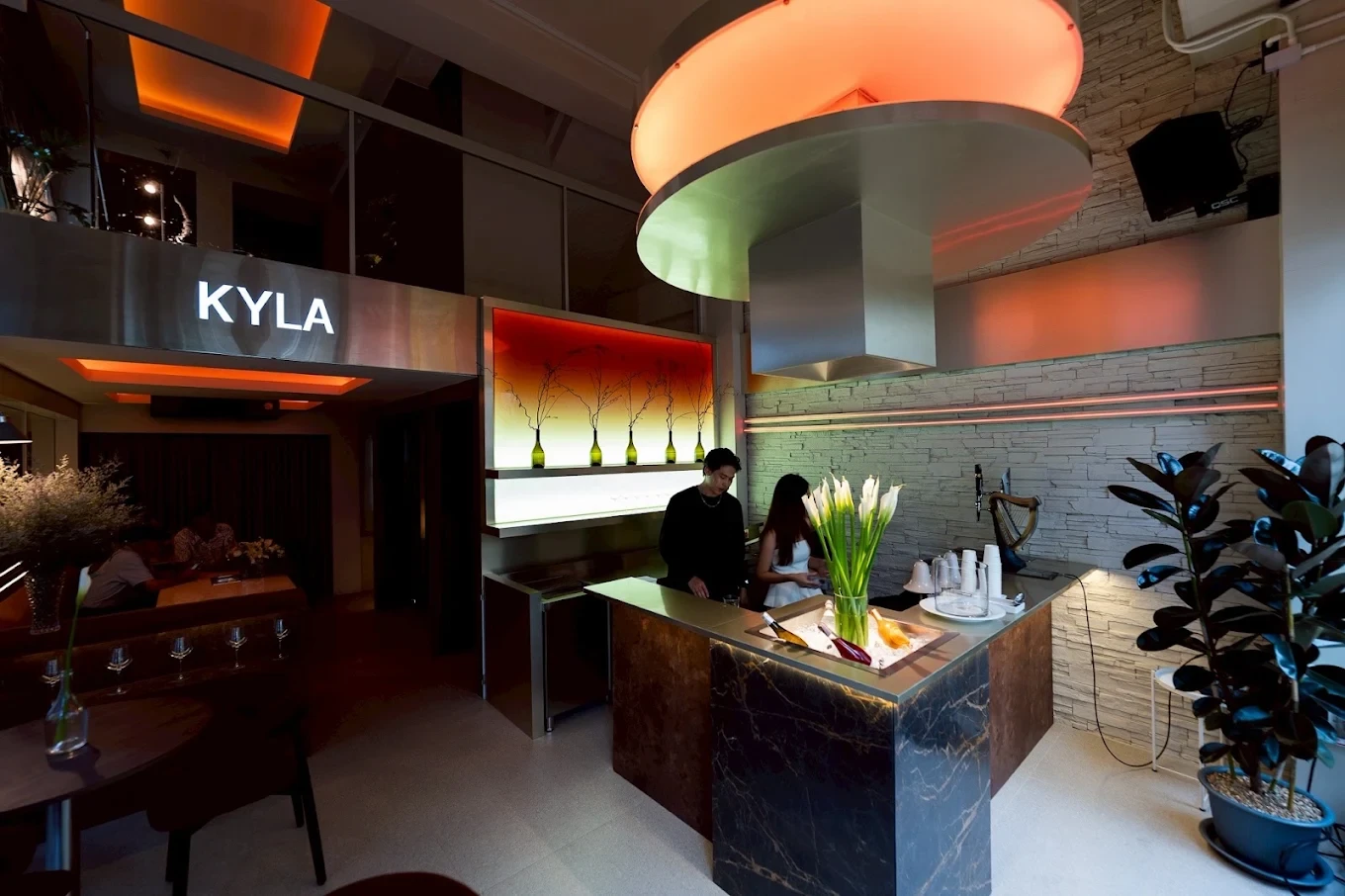
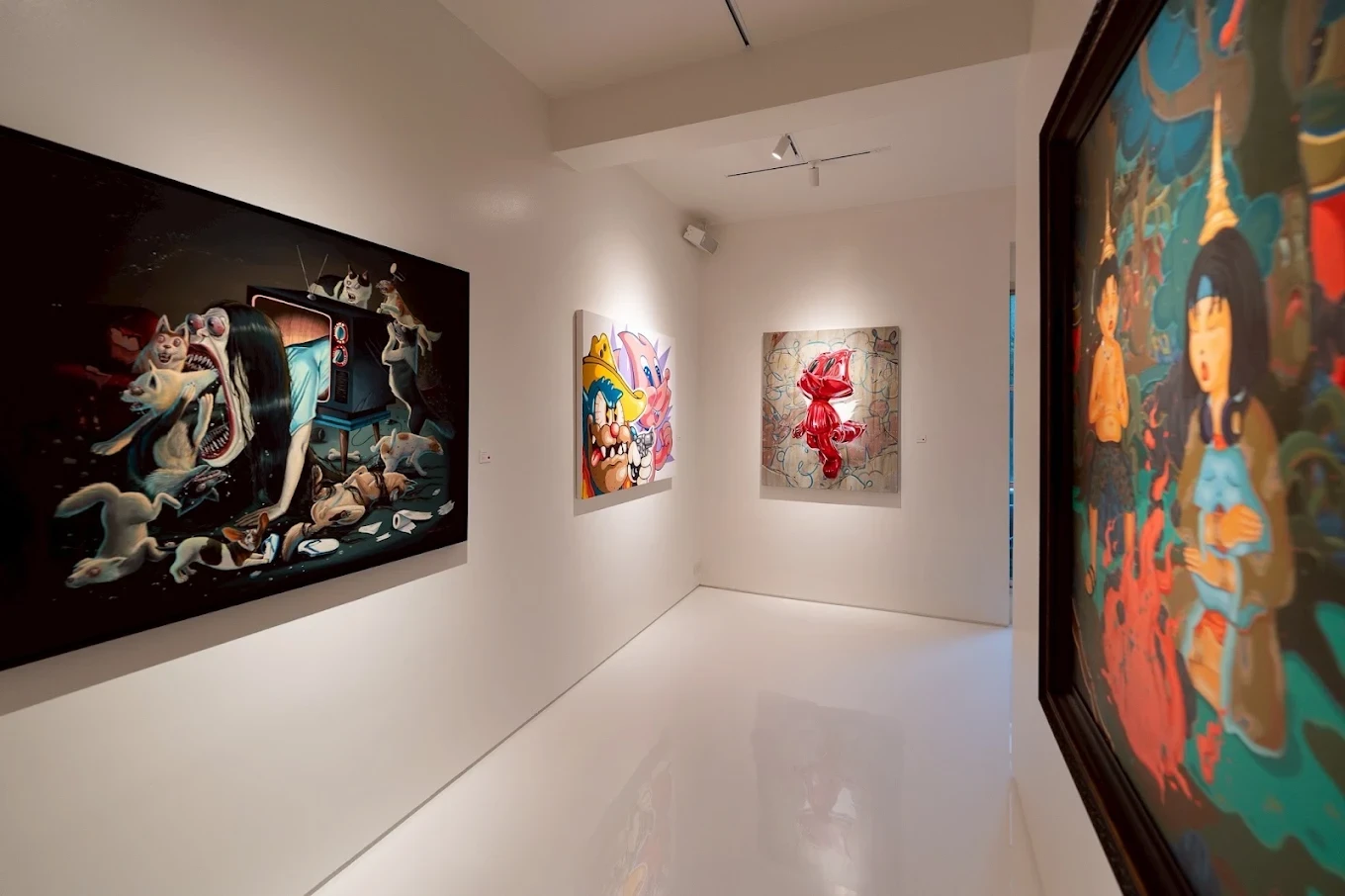
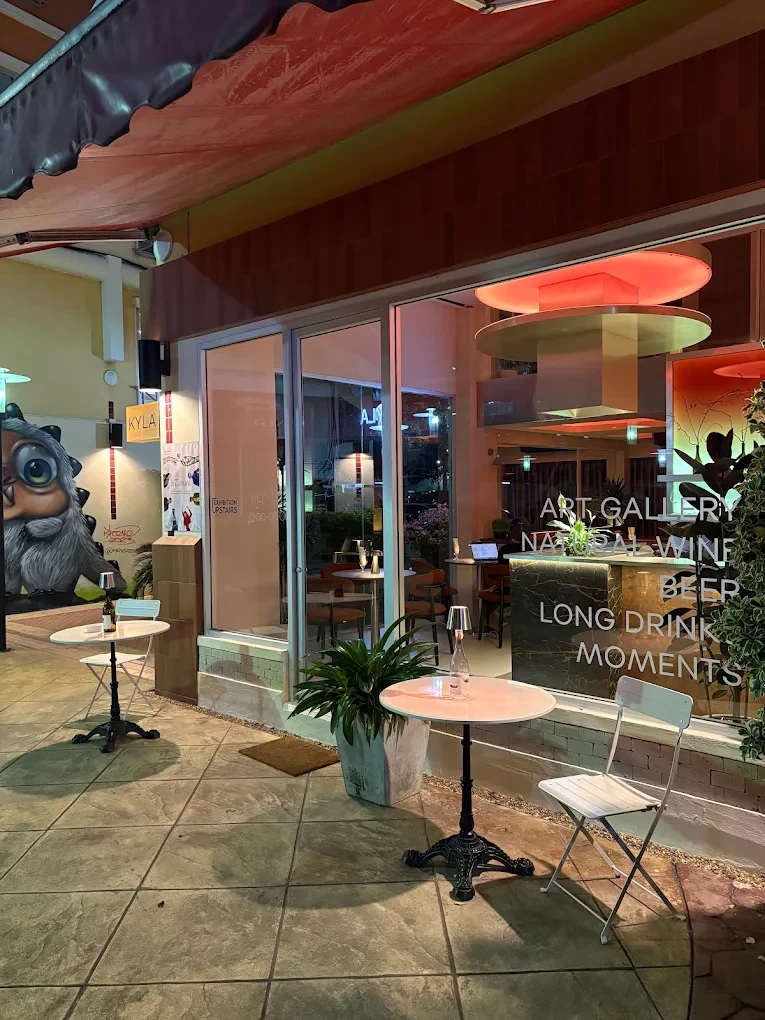
KYLA runs rotating art exhibitions alongside a wine bar in Silom, Bangkok. We automated the monthly accounting to Thai accounting standards, built a website that keeps itself up to date, and set up an art inventory and a sales CRM, all connected and running on Claude Code. Accounting alone went from 23 hours a month to 1.
At a glance
-
22 h
saved on accounting every month
23 h down to 1 h (-96%)
-
1 week
to build and connect 4 systems
Accounting, website, inventory and CRM
-
Now tracked in detail
- Payments outstanding
- Artist performance
- Expenses
- Client
- KYLA Gallery & Wine Bar, @kyla.bkk
- Business
- Art gallery and wine bar, Silom, Bangkok
- Books kept to
- Thai accounting standards
- Runs on
- Claude Code
The challenge
Running a gallery and a wine bar means two businesses' worth of admin: artworks, sales, payments and expenses. Accounting alone took 5 hours a week of day-to-day bookkeeping, plus 3 hours at month-end.
What we built
Every workflow feeds the next
The bank statement feeds the ledger and the CRM, every sale updates the stock, and the stock keeps the website current, so nothing is typed twice. Scroll to follow a month of admin through the system.
-
Step 1
Get the bank statement
It starts with the business bank statement: every payment in and out of the account.
-
Step 2
Extract the information
Each transaction is read off the statement automatically: the date, the amount, and who paid or was paid.
-
Step 3
Categorise expenses
Outgoing payments are sorted into expense categories and recorded in the ledger, with no manual tagging.
-
Step 4
Match payments to customers
Money coming in is matched to the right customer in the CRM, so it's clear who has paid and who still owes.
-
Step 5
Post sales and debts
Sales are posted to the ledger, unpaid balances are tracked as amounts owed, and each artist's 50% share goes into accounts payable.
-
Step 6
Update stock on every purchase
When a customer makes a purchase, the CRM updates the stock in the inventory.
-
Step 7
Keep the website live
The website updates itself from the inventory, with no manual edits.
-
All connected
One sale updates everything
Every workflow feeds the next: the payment is matched to the customer, the sale is posted to the ledger, the stock goes down and the website updates itself. Nobody types anything twice.
The result
Beyond the hours saved, KYLA can now track the business in detail: which payments are still outstanding, how each artist is performing, and every expense, all in one place.
“Kenneth transformed how I run my business. He simplified inventory, sales, expense tracking, and website updates - saving me hours of manual work and allowing me to focus on winning clients and growing sales.”
Want a system like this for your business?
Book a 15-minute call. We'll look at how you run things today and pick the first job worth automating.